Ad Manager – The Complete Guide to Mastering Digital Advertising
Digital advertising has become the backbone of modern marketing. Whether you’re a small business owner or a marketing professional at a multinational corporation, understanding how to effectively manage your ads can make or break your success. That’s where an ad manager comes into play. But what exactly is an ad manager, and why is it so crucial for your marketing efforts? Let’s dive deep into this essential tool and explore everything you need to know.
What Is an Ad Manager?
Definition and Core Purpose
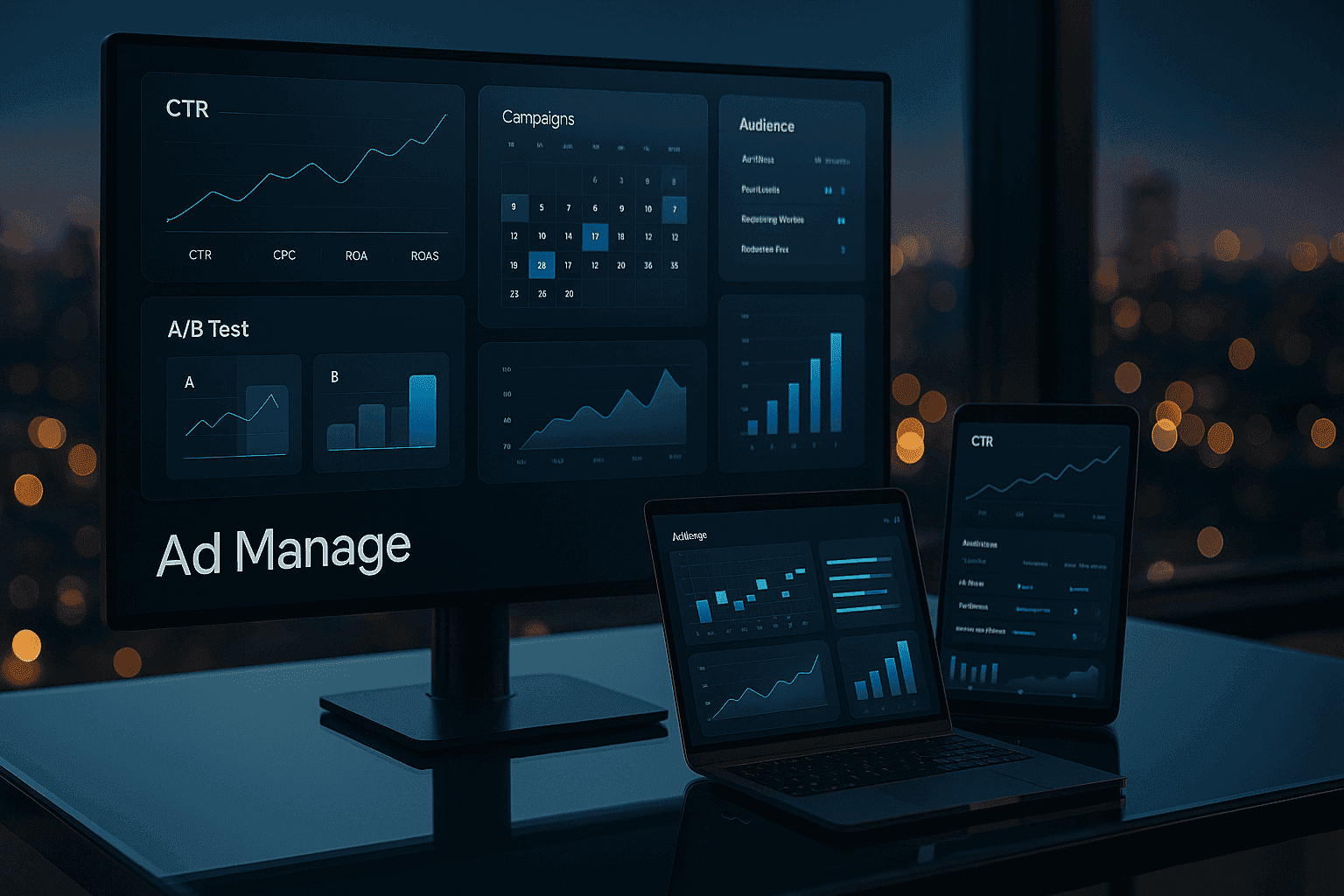
An ad manager is a comprehensive platform or software solution designed to help businesses create, launch, monitor, and optimize their digital advertising campaigns across various channels. Think of it as your command center for all things advertising—a place where you can control every aspect of your promotional efforts from a single dashboard.
The core purpose of an ad manager is simple yet powerful: to make advertising more efficient, effective, and measurable. Instead of juggling multiple tools and platforms, you get a unified interface that brings everything together. This consolidation saves time, reduces errors, and provides better insights into your campaign performance.
How Ad Managers Work in Digital Marketing
Ad managers operate as intermediaries between advertisers and advertising networks. When you create a campaign through an ad manager, the platform communicates with various ad networks, exchanges, and publishers to display your ads to the right people at the right time.
The process typically involves several key components. You input your campaign parameters—budget, targeting criteria, ad creatives, and goals. The ad manager then uses sophisticated algorithms to determine when and where to show your ads. It continuously monitors performance, adjusting delivery to maximize results based on your objectives. Whether you’re aiming for clicks, conversions, impressions, or engagement, the ad manager works tirelessly to achieve those goals.
Why Every Business Needs an Ad Manager
Streamlining Campaign Management
Managing multiple advertising campaigns without a centralized system is like trying to conduct an orchestra without a score. Chaos ensues. An ad manager brings order to this complexity by centralizing all your campaign activities in one place.
You can create campaigns, adjust budgets, pause underperforming ads, and launch new initiatives—all without switching between different platforms. This streamlined approach not only saves precious time but also reduces the likelihood of costly mistakes. Imagine accidentally running a campaign with the wrong budget or targeting the wrong audience because you were managing things manually across multiple spreadsheets. An ad manager eliminates these risks.
Maximizing ROI Through Data-Driven Decisions
Every dollar you spend on advertising should work hard for you. Ad managers help ensure this happens by providing detailed analytics and performance metrics. You’re no longer shooting in the dark, hoping your ads resonate with your audience.
These platforms offer insights into which ads perform best, which audiences engage most, and which times of day yield the highest conversion rates. Armed with this data, you can make informed decisions about where to allocate your budget for maximum return on investment. It’s the difference between guessing and knowing—and in the competitive world of digital advertising, knowledge truly is power.
Key Features of Modern Ad Managers
Campaign Creation and Scheduling
Modern ad managers have transformed campaign creation from a tedious process into an intuitive experience. You can build campaigns using drag-and-drop interfaces, pre-designed templates, and guided workflows that walk you through each step.
Scheduling capabilities allow you to plan your campaigns in advance. Want your ads to run during specific hours when your target audience is most active? Need to coordinate a product launch with precision timing? Ad managers make this possible with flexible scheduling options that ensure your ads appear exactly when you want them to.
Audience Targeting and Segmentation
The days of broad, shotgun-style advertising are over. Today’s ad managers offer incredibly granular targeting options that help you reach precisely the people most likely to convert.
You can segment audiences based on demographics, interests, behaviors, location, device type, and even custom parameters unique to your business. Some platforms allow you to create lookalike audiences—groups of people who share characteristics with your best existing customers. This level of precision means your advertising budget goes further because you’re not wasting money on people unlikely to be interested in your offerings.
Performance Tracking and Analytics
What gets measured gets managed. Ad managers provide comprehensive tracking capabilities that show you exactly how your campaigns are performing in real-time.
You can monitor key performance indicators like click-through rates, conversion rates, cost per acquisition, impressions, engagement metrics, and much more. These insights help you understand what’s working and what isn’t, enabling quick pivots and optimizations.
Real-Time Reporting Capabilities
Gone are the days of waiting for weekly or monthly reports. Modern ad managers offer real-time dashboards that update continuously as your campaigns run. This immediate visibility allows you to respond quickly to trends, capitalize on opportunities, and address problems before they drain your budget.
Custom reporting features let you create the exact views you need, whether you’re presenting to stakeholders, analyzing trends, or making tactical decisions on the fly.
Popular Ad Manager Platforms You Should Know
Google Ad Manager
Google Ad Manager stands as one of the most comprehensive advertising platforms available. Originally designed for publishers managing multiple ad networks, it has evolved into a powerful tool for advertisers as well.
The platform excels at programmatic advertising, allowing you to buy and sell ad inventory across the Google Display Network and beyond. With access to billions of users worldwide, sophisticated targeting options, and integration with Google Analytics, it’s a go-to choice for businesses serious about digital advertising.
Facebook Ads Manager
With billions of active users across Facebook, Instagram, Messenger, and WhatsApp, Facebook Ads Manager offers unparalleled access to social media audiences. The platform is renowned for its exceptional targeting capabilities, leveraging the vast amount of user data Facebook collects.
Creating visually appealing ads is straightforward with built-in creative tools, and the platform’s learning algorithms continuously optimize delivery to improve results. Whether you’re running awareness campaigns or driving direct conversions, Facebook Ads Manager provides the tools you need.
Amazon Advertising Manager
For e-commerce businesses, Amazon Advertising Manager is invaluable. It allows you to promote products directly on Amazon’s platform, reaching shoppers at the moment they’re ready to buy.
The platform offers sponsored product ads, sponsored brand ads, and display ads, all designed to increase visibility within Amazon’s ecosystem. With detailed product-level reporting and the ability to target based on shopping behavior, it’s essential for anyone selling on Amazon.
LinkedIn Campaign Manager
When your target audience consists of professionals and decision-makers, LinkedIn Campaign Manager is your best friend. This platform specializes in B2B advertising, offering targeting options based on job titles, industries, company size, seniority, and professional interests.
LinkedIn’s user base is inherently professional, making it ideal for promoting business services, recruiting talent, or building thought leadership. While cost-per-click tends to be higher than other platforms, the quality of leads often justifies the investment.
How to Set Up Your First Ad Campaign
Step 1: Defining Your Campaign Objectives
Before you create a single ad, you need clarity on what you want to achieve. Are you building brand awareness? Driving website traffic? Generating leads? Increasing sales? Each objective requires a different approach.
Most ad managers offer objective-based campaign creation, where you select your goal and the platform optimizes accordingly. Be specific about what success looks like. Instead of “increase sales,” aim for “generate 100 qualified leads” or “achieve 500 conversions at a cost-per-acquisition under $20.”
Step 2: Identifying Your Target Audience
Who are you trying to reach? The more specific you can be, the better your results will be. Create detailed buyer personas that include demographic information, interests, pain points, and online behaviors.
Use your ad manager’s targeting features to narrow down your audience. Start with broader targeting if you’re unsure, then refine based on performance data. Remember, a smaller, highly relevant audience often outperforms a large, generic one.
Step 3: Setting Your Budget and Bidding Strategy
How much are you willing to spend? Ad managers offer various budgeting options—daily budgets, lifetime budgets, and campaign budgets. Start with an amount you’re comfortable testing with, then scale up successful campaigns.
Bidding strategies determine how your budget is spent. Options typically include cost-per-click (paying when someone clicks), cost-per-impression (paying per thousand views), and cost-per-action (paying when someone completes a specific action). Choose the strategy that aligns with your objectives.
Step 4: Creating Compelling Ad Creatives
Your ad creative—the images, videos, and copy that make up your advertisement—is what captures attention and drives action. Focus on benefits rather than features. Use high-quality visuals that stand out in crowded feeds. Write headlines that spark curiosity or offer clear value.
Include a strong call-to-action that tells people exactly what you want them to do. Test multiple variations to see what resonates best with your audience. Remember, what works for one campaign might not work for another, so continual testing is key.
Best Practices for Ad Manager Success
A/B Testing Your Campaigns
Never assume you know what will work best. A/B testing—running two versions of an ad with one variable changed—reveals what actually drives results. Test different headlines, images, calls-to-action, audience segments, and ad placements.
Run tests long enough to gather statistically significant data, but don’t let underperforming ads drain your budget unnecessarily. Use the insights gained from testing to continuously refine your approach.
Optimizing Ad Placement and Scheduling
Not all ad placements are created equal. Some positions deliver better results than others, depending on your goals and audience. Review placement reports regularly and adjust your strategy accordingly.
Similarly, timing matters. Analyze when your audience is most active and engaged, then schedule your ads to run during those windows. You might discover that your target audience responds better on weekday mornings or weekend evenings—insights that can significantly improve performance.
Monitoring Metrics That Matter
It’s easy to get lost in vanity metrics that look impressive but don’t drive business results. Focus on metrics tied directly to your objectives. If you’re aiming for conversions, track conversion rate and cost-per-conversion. If awareness is the goal, monitor reach and brand lift.
Set up custom alerts to notify you when campaigns exceed budget thresholds or when performance drops below acceptable levels. This proactive approach prevents wasted spend and keeps campaigns on track.
Common Mistakes to Avoid When Using Ad Managers
Ignoring Audience Insights
Your ad manager collects valuable data about who’s engaging with your ads and how they’re behaving. Failing to review and act on this information is like ignoring a goldmine in your backyard.
Regularly examine audience insights to understand who’s converting, what they’re interested in, and how they found you. Use these insights to refine targeting, create more relevant messaging, and discover new audience segments you hadn’t considered.
Setting and Forgetting Campaigns
Digital advertising requires active management. Market conditions change, audience behaviors shift, and competitors adjust their strategies. A campaign that performed brilliantly last month might underperform today.
Check your campaigns regularly—daily for high-budget campaigns, at least weekly for smaller ones. Look for opportunities to optimize, pause underperforming elements, and scale winners. Think of your ad manager as a garden that needs tending, not a machine you can set and forget.
Overlooking Mobile Optimization
More than half of all internet traffic comes from mobile devices, yet many advertisers still create campaigns optimized primarily for desktop. This oversight costs conversions and wastes budget.
Ensure your ads look great on mobile screens. Use mobile-friendly formats, keep text concise, and make sure landing pages load quickly on smartphones. Preview your ads on actual mobile devices before launching campaigns.
Advanced Ad Manager Strategies
Retargeting and Remarketing Techniques
Most people don’t convert on their first interaction with your brand. Retargeting allows you to re-engage people who’ve shown interest but haven’t converted yet.
Use your ad manager’s pixel or tracking code to identify website visitors, then create campaigns specifically targeting them. You can segment retargeting audiences based on behavior—showing different ads to cart abandoners versus blog readers—for more personalized messaging.
Leveraging Automation and AI
Modern ad managers incorporate artificial intelligence and machine learning to automate optimization. Features like automated bidding, dynamic creative optimization, and predictive targeting can significantly improve performance.
Start by automating simple tasks like bid adjustments, then gradually expand to more complex automation as you become comfortable. Remember, automation amplifies good strategies but also magnifies mistakes, so maintain oversight.
Cross-Platform Campaign Integration
Your customers don’t live on just one platform—they move between social media, search engines, websites, and apps throughout their day. Create integrated campaigns that reach them across multiple touchpoints.
Use consistent messaging and creative elements across platforms while adapting format and tone to each channel’s unique characteristics. Track how different platforms contribute to conversions through multi-touch attribution models available in advanced ad managers.
Conclusion
Mastering an ad manager is no longer optional for businesses serious about digital marketing—it’s essential. These powerful platforms transform advertising from guesswork into a data-driven science, helping you reach the right people with the right message at the right time. Whether you’re just starting with your first campaign or looking to refine advanced strategies, the principles remain constant: set clear objectives, understand your audience, create compelling content, and continuously optimize based on performance data. The learning curve might seem steep initially, but the rewards—increased visibility, more leads, higher conversions, and better ROI—make the investment worthwhile. Start exploring your chosen ad manager today, experiment with different approaches, and watch as your advertising efforts transform from expense to revenue driver.
FAQs
1. What’s the difference between an ad manager and a campaign manager?
While the terms are sometimes used interchangeably, an ad manager typically refers to the platform or software that facilitates advertising, whereas a campaign manager often refers to a person’s job title—someone who manages advertising campaigns. Some platforms use “campaign manager” as their product name, but functionally they serve the same purpose as ad managers.
2. How much budget do I need to start using an ad manager effectively?
You can start with as little as $5-10 per day on most platforms. The key isn’t how much you spend initially but how effectively you use that budget. Start small, test different approaches, learn what works for your business, then scale up investment in successful campaigns. Many businesses find their sweet spot between $500-2,000 monthly when starting out.
3. Can I manage ads on multiple platforms from a single ad manager?
Some third-party ad management tools allow you to manage campaigns across multiple platforms from one dashboard. However, platform-specific ad managers like Google Ad Manager or Facebook Ads Manager only handle campaigns within their respective ecosystems. For true multi-platform management, consider tools like HubSpot, Hootsuite Ads, or AdEspresso.
4. How long does it take to see results from ad campaigns?
Initial data typically appears within 24-48 hours of launching a campaign, but meaningful results usually require at least 1-2 weeks of running to gather enough data for optimization. Complex campaigns with longer sales cycles might need a month or more before you can accurately assess performance. Patience during the learning phase is crucial for long-term success.
5. Do I need technical skills to use an ad manager effectively?
While technical knowledge helps, most modern ad managers are designed for users without coding or advanced technical skills. The platforms offer intuitive interfaces, guided setups, and extensive help documentation. However, understanding basic marketing concepts, analytics interpretation, and willingness to learn will significantly improve your results. Many platforms also offer free training courses to help you get started.
Please don’t forget to leave a review.