How to Code a Shop Website: A Complete Guide for Beginners
Launching an online store is one of the smartest moves you can make in today’s digital economy. But if you’re wondering how to code a shop website instead of using a pre-built platform, you’ve come to the right place. In this guide, we’ll explore the step-by-step process, compare Shopify vs custom coded shops, and show you how to build secure, responsive, and high-performing e-commerce sites that customers love.
👉 Whether you’re coding for fun, building a business, or working as a developer, this guide covers everything you need to know.
Why Code a Shop Instead of Using Pre-Built Platforms?
Most people turn to Shopify, WooCommerce, or Wix because they’re quick and user-friendly. However, coding a shop from scratch gives you:
-
Full customization and control.
-
Unlimited design flexibility.
-
Better performance optimization.
-
Stronger data security.
-
Freedom from recurring subscription fees.
If you’re serious about creating a scalable, global e-commerce brand, learning to code shopping cart functionality and integrate custom solutions can set you apart.
Step-by-Step: How to Code a Shop Website
Here’s a simplified breakdown of the process:
1. Plan Your Shop Structure
-
Define product categories, cart flow, and checkout steps.
-
Decide whether you want a Shopify alternative or fully custom build.
2. Build the Frontend
-
Use HTML, CSS, and JavaScript for responsive layouts.
-
Focus on responsive shop design coding so your site looks great on desktops and mobile.
3. Code Shopping Cart Functionality
-
Enable product selection, cart updates, and quantity changes.
-
Store items in session or database until checkout.
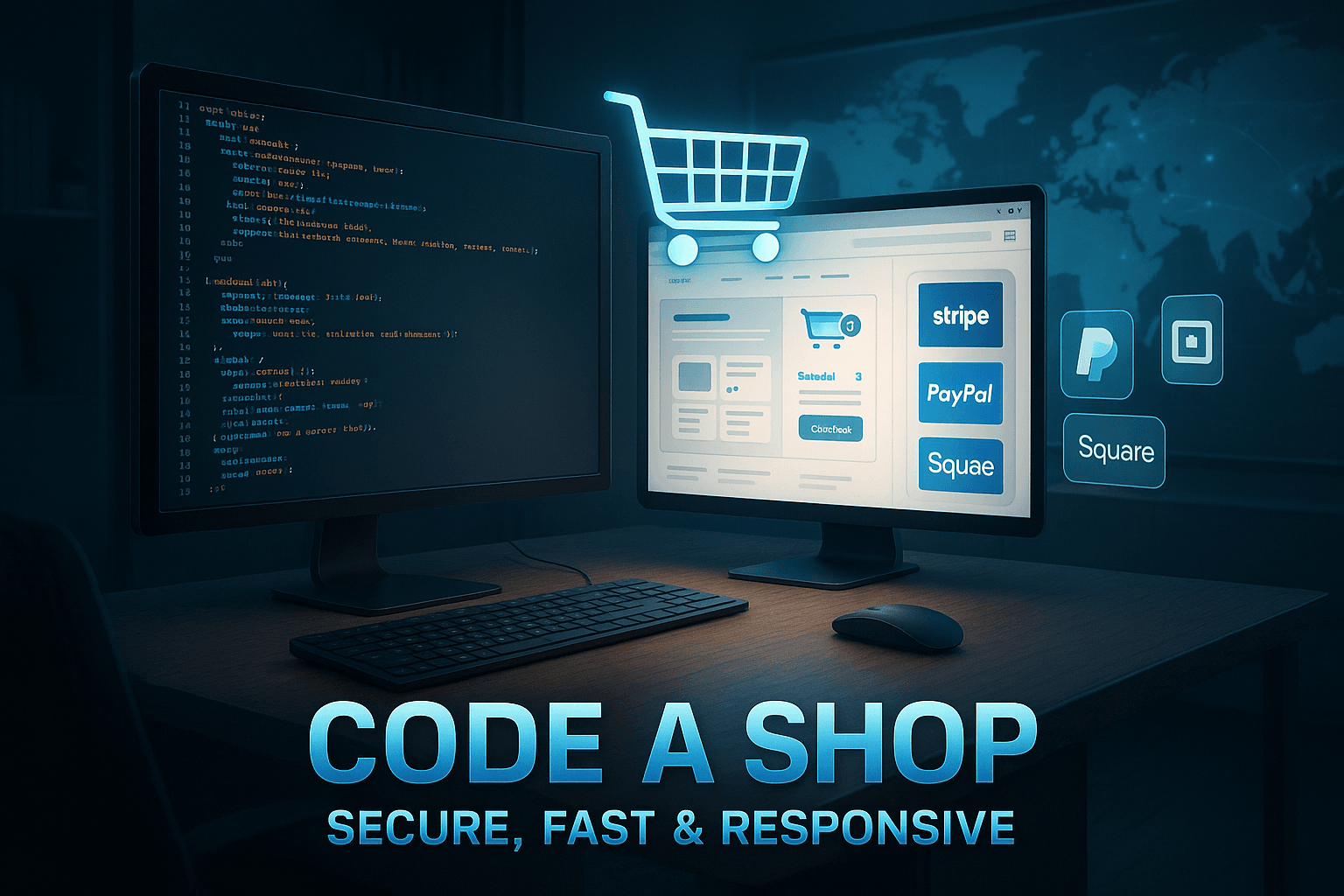
4. Integrate Payment Gateway Shop Code
-
Use APIs like Stripe, PayPal, or Square.
-
Always follow secure e-commerce shop coding practices to protect user data.
5. Optimize Shop Website Speed
-
Compress images and enable caching.
-
Use lightweight code and CDNs for faster delivery.
6. Test & Launch
-
Run quality assurance tests for checkout, mobile responsiveness, and security.
-
Deploy with SSL certificates for trust.
Shopify vs Custom Coded Shop – Which is Right for You?
-
Shopify: Great for beginners, fast setup, app integrations, monthly costs.
-
Custom Coded Shop: High flexibility, unique branding, full control, higher upfront development effort.
👉 If you need speed and simplicity, Shopify works. If you need enterprise-level customization and security, coding your shop may be the better path.
Secure E-Commerce Shop Coding Best Practices
Security isn’t optional—it’s essential. Follow these guidelines:
-
Use SSL certificates for encryption.
-
Store passwords with hashing and salting.
-
Keep your code updated against vulnerabilities.
-
Protect against SQL injection and XSS attacks.
-
Perform regular penetration testing.
How to Optimize Shop Website Speed
A slow site kills conversions. Follow these tips:
-
Minimize CSS and JavaScript files.
-
Implement lazy loading for images.
-
Use browser caching.
-
Choose a fast hosting provider.
-
Test your shop speed with tools like Google PageSpeed Insights.
FAQs About Coding a Shop Website
Q1: How long does it take to code a shop website?
A simple shop can be built in a few weeks, but a custom-coded e-commerce platform may take months depending on features.
Q2: Do I need to know advanced programming?
Basic knowledge of HTML, CSS, JavaScript, and a backend language (like PHP, Python, or Node.js) is enough to start.
Q3: Can I integrate third-party tools?
Yes, you can add payment gateways, shipping APIs, and inventory management through custom integrations.
Q4: Is Shopify better than coding my own shop?
It depends—Shopify is faster, while custom coding gives you more flexibility and control.
Q5: How do I secure my shop code?
Follow secure e-commerce coding standards: SSL, encryption, secure gateways, and routine audits.
Conclusion
Coding a shop is challenging—but it’s also one of the most rewarding skills you can learn in today’s digital-first economy. From responsive shop design coding to payment gateway integration and website speed optimization, every step contributes to a professional, scalable online store.
If you want to explore more digital strategies, tutorials, and insights, check out other guides on Pinstoppin where we cover the latest in web development, design, and online business.
💡 Ready to build your first shop? Start small, stay consistent, and scale your e-commerce journey with confidence.